
Extract Colors from an Image for CSS Themes
- Popularity
- npm8k

- Versions
 12 versions in 2.1.0
New - Audit
-
0 reports
53 deps - Issues
-
0
1 - PRs
-
0
9
Working through the migration of Blog Awesome from WordPress to Eleventy, I encountered an interesting problem: each blog post was seeded with a featured image at the top, though the image did not cover the entirety of the header.
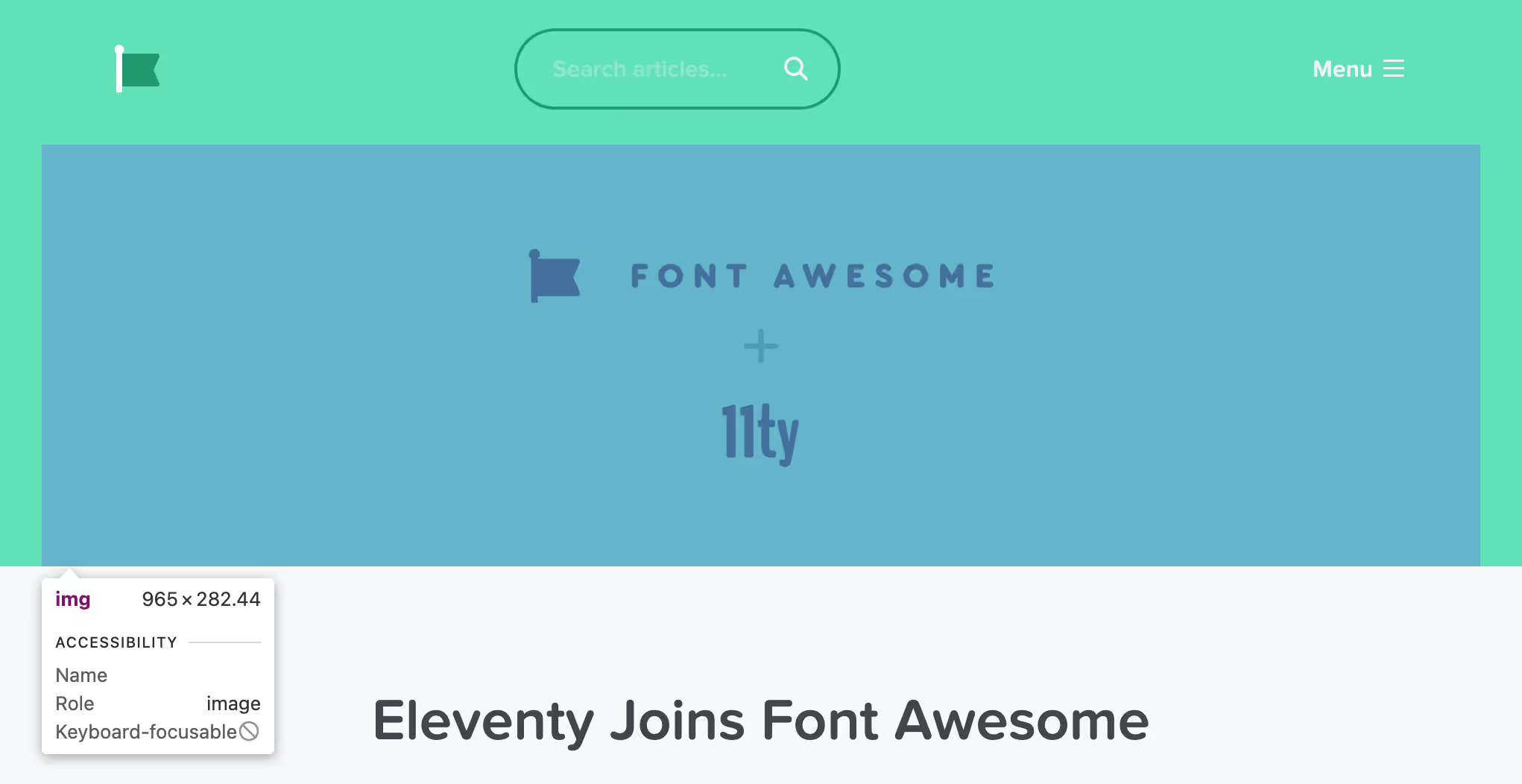
This required a manual process (a WordPress custom field) to specify a theme color to match the background of the image. We can do better!
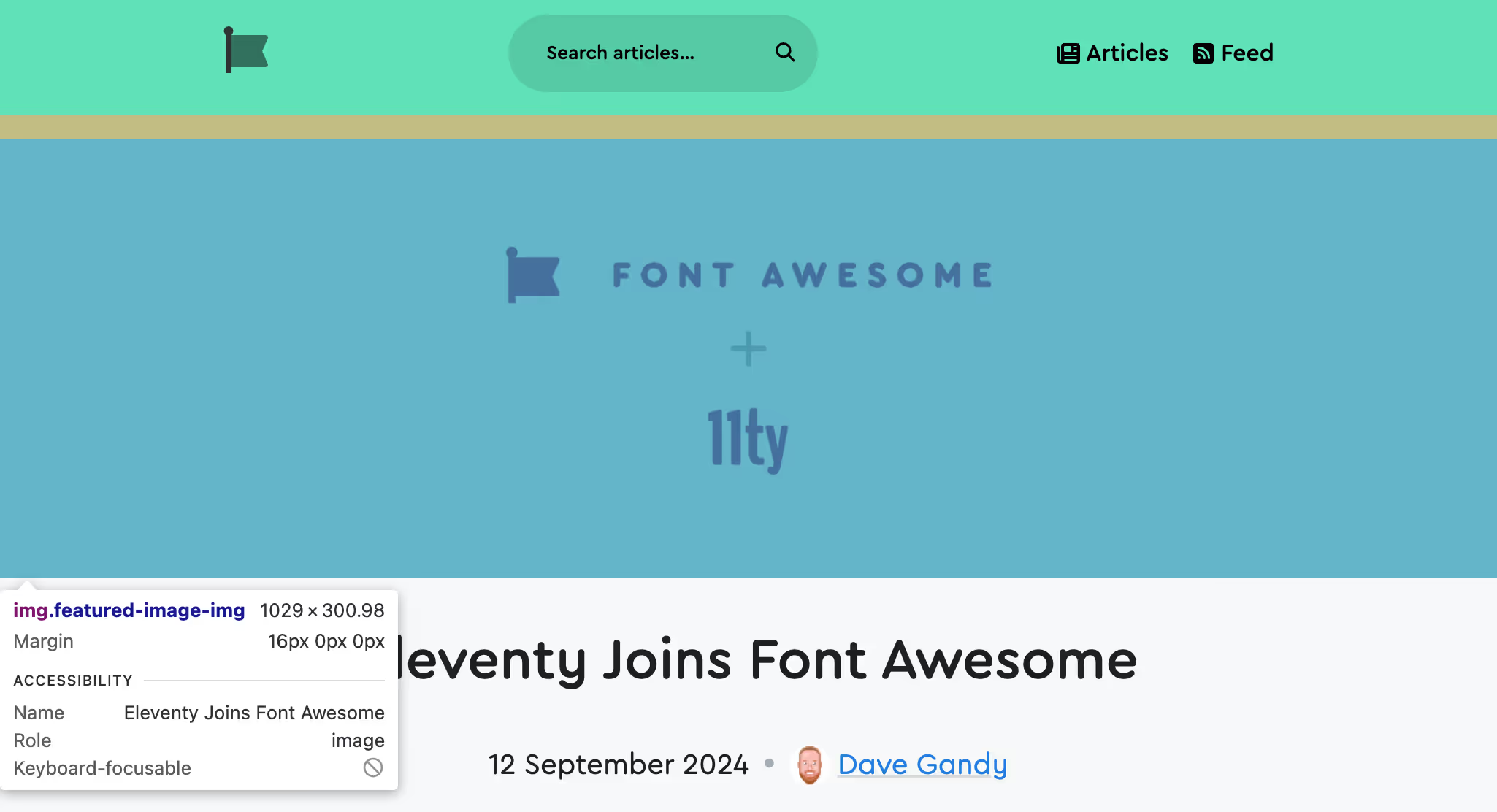
Using a similar layout structure, this what the new design looks like (with a bit better automatic dark/light mode contrast on the flag and text color, too):
To accomplish this automation, I turned to a lovely zero-dependency package called extract-colors from namide.com.
In all of the eligible blog posts tested, the last color returned in the result from the extract-colors package always matched the background color of the image being sampled.
extract-colors recommends the use of another package (get-pixels) to extract pixel data from images but it was no longer maintained so I forked, updated, and released a Node.js only version of the package to fix some upstream issues.
New @11ty/image-color Package
I wired this up with a memoization layer, a disk cache, a concurrency queue, and integrated it with existing overlapping functionality provided by Eleventy Fetch and Image utilities for build performance (as well as adding Color.js for some color filtering) and packaged this all up for anyone to use at @11ty/image-color:
To get colors from a local or remote Image in my Eleventy project, I added the following configuration code to my project’s eleventy.config.js file:
import { getImageColors } from "@11ty/image-color";

export default async function(eleventyConfig) {
	eleventyConfig.addFilter("getImageColors", async (imageSrc) => {
		return getImageColors(imageSrc);
	});
}
The above Blog Awesome example above made good use of the getImageColors filter in a Nunjucks template:
{%- set lastColor = media.featuredImage | getImageColors | last %}
{% if lastColor %}
	<style>
	header {
		background-color: {{ lastColor.background }};
		color: {{ lastColor.foreground }};
	}
	</style>
{% endif %}
<header>…</header>
Screenshot Borders
For extra funsies I also made use of this functionality on 11ty.dev (now live on the site) to provide an extra accent border color on screenshot images:
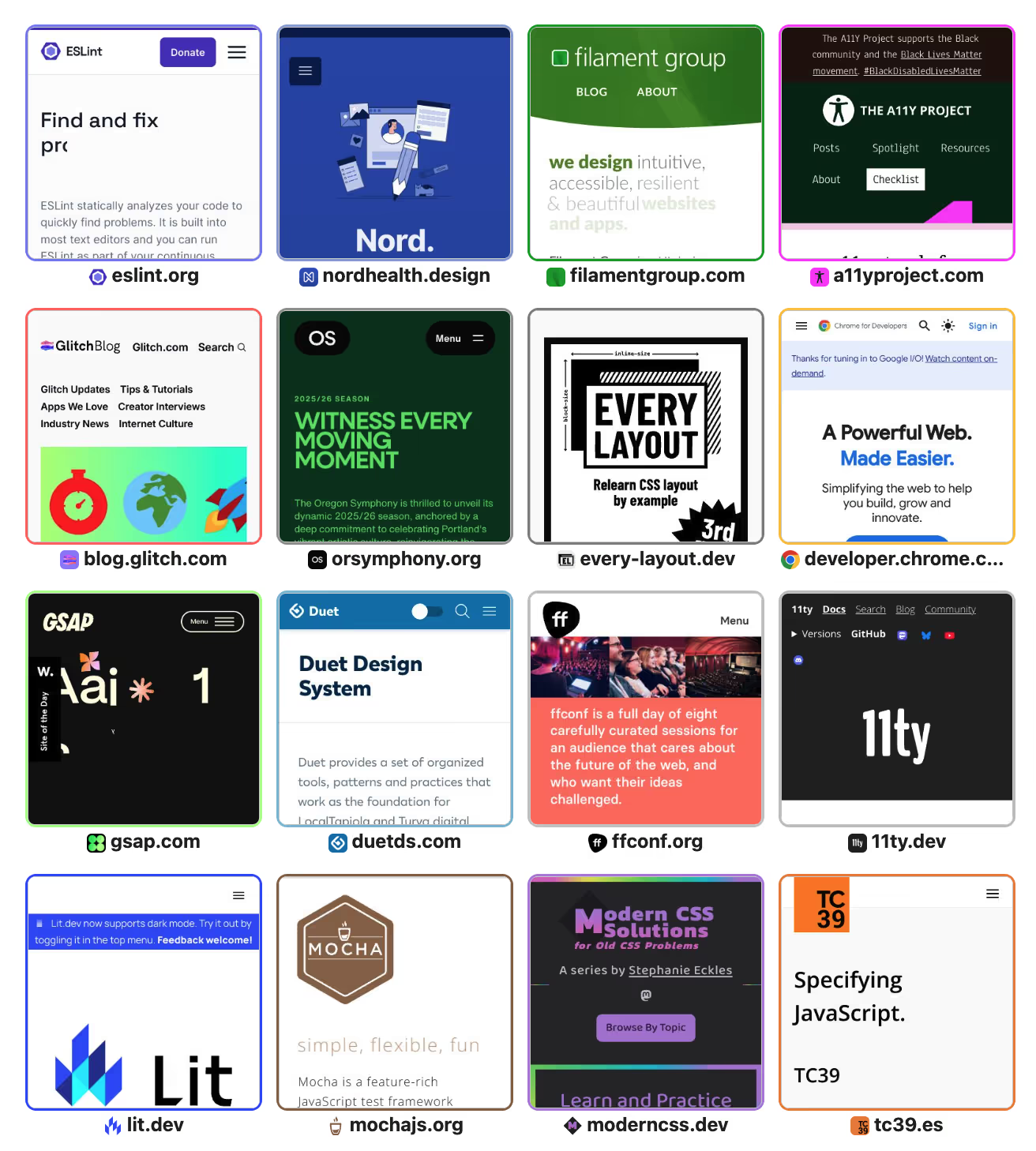
This example works a little differently: it samples colors from the favicon images of each site as an easy way to guess the site’s theme colors.
This package doesn’t take a hard stance on the validity of colors but I did make use of additional filtering to select a nice border color from the list of colors available in each favicon, with the code looking something like this (again, eleventy.config.js Configuration code):
import { getImageColors } from "@11ty/image-color";

export default async function(eleventyConfig) {
	eleventyConfig.addShortcode("getColorsForUrl", async (url) => {
		let avatarUrl = `https://v1.indieweb-avatar.11ty.dev/${encodeURIComponent(url)}/`;

		return getImageColors(avatarUrl).then(colors => {
			// Note the map to colorjs props here
			return colors.map(c => c.colorjs).filter(c => {
				// Not too dark, not too light
				return c.oklch.l > .4 && c.oklch.l <= .95;
			}).sort((a, b) => {
				return (b.oklch.l + b.oklch.c) - (a.oklch.l + a.oklch.c);
			});
		})
	});
};
…which subsequently wound up in a WebC template a little like this:
<script webc:setup>
async function getPrimaryColorStyle(url) {
	let colors = await getColorsForUrl(url);
	if(colors.length > 0) {
		return `--card-border-color: ${colors[0].toString({format: "hex"})}`;
	}
}
</script>
<a :href="url" class="card" :style="getPrimaryColorStyle(url)">…</a>
More Open Source
This Blog Awesome migration project (launching soon!) has yielded a few more useful open source utilities to the Eleventy ecosystem, which I encourage you to try out!
@11ty/image-color(you already read about this here)@11ty/import(import WordPress posts as Markdown files)@11ty/font-awesome(use zero-JavaScript SVG icons)